GRN Process in Manufacturing — Step by Step with Flow Chart
2026-05-03
Complete GRN process guide — from gate entry to QC approval. Step by step with flow chart and automation tips.
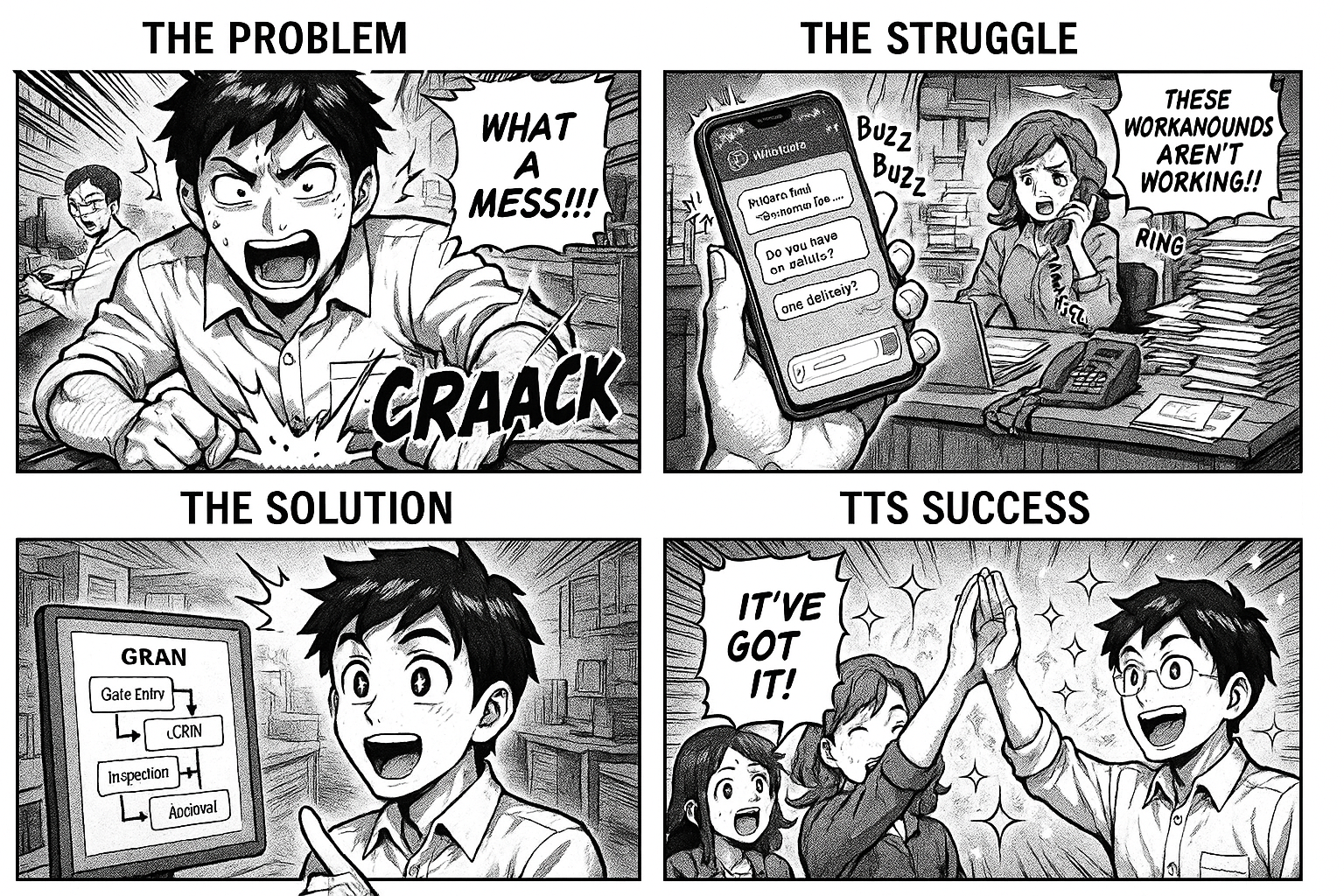
GRN Process in Manufacturing — Step by Step with Flow Chart
GRN — Goods Receipt Note — is the process of receiving, inspecting, and accepting materials at your warehouse. It's the bridge between purchasing and production.
A messy GRN process means: materials sitting uninspected, invoices not matched, production waiting for material that's already in the warehouse.
Here's the complete GRN process, step by step.
The GRN Flow
PO Sent to Vendor
       ↓
Material Arrives at Gate
       ↓
Gate Entry (security logs vehicle, vendor, DC number)
       ↓
Warehouse Receipt (store keeper checks quantity vs PO)
       ↓
QC Sampling (QC team collects samples)
       ↓
QC Testing (lab tests material)
       ↓
   Pass?
   ├── Yes → Material Approved → Move to Production Store
   └── No  → Material Rejected → Return to Vendor / Quarantine
       ↓
Invoice Matching (accounts matches invoice to PO and GRN)
       ↓
Payment Processing
Step by Step
Step 1: Gate Entry
Who: Security / Gate keeper
What they record:
- Vehicle number
- Vendor name
- Delivery challan number
- Number of packages
- Date and time of arrival
Why it matters: Creates a record that material entered the premises. Essential for vendor dispute resolution.
Step 2: Warehouse Receipt
Who: Store keeper
What they do:
- Count packages and verify against delivery challan
- Check for visible damage
- Verify material matches the purchase order
- Record received quantity
What they record:
- PO reference number
- Material name and quantity received
- Condition (Good / Damaged / Partial delivery)
- GRN number (auto-generated)
Step 3: QC Inspection
Who: Quality control team
What they do:
- Collect samples per sampling plan
- Perform visual and physical inspection
- Conduct lab tests (chemical, microbial as required)
- Compare results against specifications
What they record:
- Test results in a structured grid
- Pass / Fail / Conditional approval
- Observations and remarks
Step 4: Material Disposition
Based on QC results:
Approved: Material moves to production store, available for use.
Rejected: Material quarantined. Vendor notified. Return or replacement initiated.
Conditionally Approved: Material accepted with restrictions (e.g., use only for non-critical batches). Vendor informed about quality deviation.
Step 5: Invoice Matching
Who: Accounts team
What they verify:
- Invoice quantity matches received quantity
- Invoice rate matches PO rate
- Correct taxes and totals
- Three-way match: PO vs GRN vs Invoice
Common GRN Problems
"Material arrived but nobody told QC"
Fix: Automatic routing. When the store keeper logs receipt, the entry moves to QC stage automatically.
"We received material but can't find the PO"
Fix: GRN linked to PO by reference number. Click any GRN → see the original PO.
"Partial delivery — vendor says they sent everything"
Fix: Received quantity logged at receipt. Compared against PO quantity. Discrepancy visible to both warehouse and purchase teams.
"QC is the bottleneck — materials wait days for testing"
Fix: Dashboard shows "5 materials pending QC." QC manager sees the backlog and prioritizes.
Automate It
Describe your GRN process in one line:
"Material arrives at warehouse. Store keeper logs receipt against PO. QC samples and tests. If approved, material available for production. If rejected, return to vendor."
Flobri generates the workflow with every stage, form, and routing rule. Your GRN data feeds into vendor performance dashboards automatically.
Go to insights.flobri.com/build and set it up in 5 minutes.
Flobri automates the GRN process — from gate entry to QC approval — with automatic routing, PO matching, and vendor quality tracking.