One Purchase Order = 47 Data-Entry Points (Here's How to Cut 40)
2026-05-15
A single PO touches 47 data-entry points across procurement, receiving, QC, stores and finance — most redundant. See the full cascade and how to eliminate 40 of them.
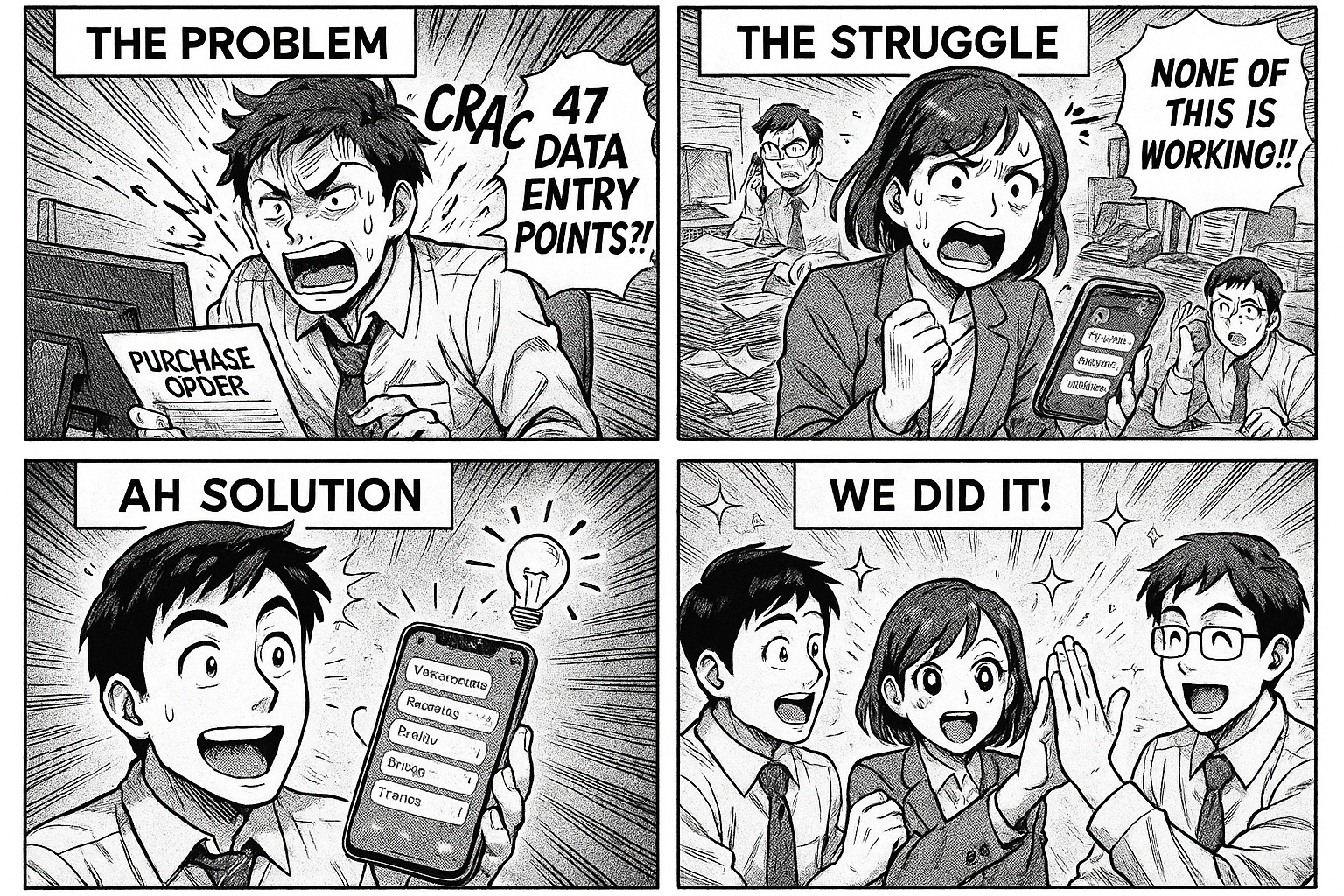
How One Purchase Order Creates 47 Data Entry Points — And How to Eliminate 40 of Them
Let's trace what happens when your procurement team raises a single purchase order for raw materials.
You might think it's simple: create PO, receive goods, pay vendor. Three steps.
In reality, that one PO touches 47 separate data entry points across your organization. We counted.
The Cascade
Step 1: Purchase Order Creation (7 entries)
- Vendor name, address, GST number
- Item description, specification, quantity, unit price
- Delivery date, payment terms
- PO number (manual series in many companies)
- Approval signatures (physical or email forward)
Step 2: Vendor Communication (4 entries)
- PO printed/emailed to vendor
- Vendor acknowledgment tracked (usually a WhatsApp message)
- Delivery schedule confirmed
- Rate revision cross-checked with quotation file
Step 3: Goods Receipt (8 entries)
- Gate entry register: vehicle number, driver name, date/time
- Delivery challan checked against PO: item, quantity, batch
- GRN created: received quantity, condition, discrepancies
- Weighbridge slip (if applicable)
- Material label printed with GRN number
- Store location assigned
- Vendor challan filed physically
Step 4: Quality Check (9 entries)
- QC sample pulled and logged
- Test parameters entered (pH, moisture, appearance, etc.)
- Certificate of Analysis (CoA) from vendor cross-referenced
- Test results recorded per parameter
- Pass/fail decision with remarks
- QC sticker generated (Approved / Rejected / Under Test)
- Deviation raised if out-of-spec
- Retest scheduled if borderline
- QC release note issued
Step 5: Store Inward (6 entries)
- Material moved from quarantine to approved store
- Stock register updated with quantity and batch
- Bin card updated
- FIFO/FEFO position updated
- Material availability communicated to production planning
- Minimum stock level checked and reorder triggered if needed
Step 6: Invoice Processing (8 entries)
- Vendor invoice received and logged
- Three-way match: PO vs GRN vs Invoice
- Tax calculation verified (GST, TDS)
- Invoice entered in accounting software
- Payment due date tracked
- Payment approval routed
- Payment made and recorded
- Vendor ledger updated
Step 7: Documentation & Compliance (5 entries)
- PO filed in procurement folder
- GRN filed in receiving folder
- QC report filed in quality folder
- Invoice filed in accounts folder
- Audit trail assembled from 4 different filing systems
That's 47 Data Entry Points for One Purchase Order
Now multiply by the number of POs your company raises per month. 50 POs? That's 2,350 data entry points. Every single one is a chance for error, delay, or lost information.
Where the 40 Redundant Entries Hide
Look at the cascade again. How many times is the vendor name entered? At least 5 (PO, GRN, QC log, invoice, payment). How many times is the item description typed? At least 4. The quantity? At least 6 places.
The redundancy pattern:
| Data Point | Times Entered | Should Be |
|---|---|---|
| Vendor name | 5 | 1 (from master) |
| Item description | 4 | 1 (from PO) |
| Quantity | 6 | 1 (cascade from PO, adjusted at GRN) |
| Batch/lot number | 4 | 1 (assigned at GRN) |
| Date | 7 | 0 (auto-captured) |
| PO reference | 5 | 0 (auto-linked) |
40 of the 47 entries are either redundant copies or data that should be auto-captured.
The Fix: Connected Stages, Not Isolated Forms
The solution isn't a bigger ERP. It's a connected workflow where each stage inherits data from the previous one:
1. PO stage: Procurement selects vendor from master, items from catalog. PO number auto-generated.
2. GRN stage: Gate/store team sees the PO, confirms received quantity. Discrepancies flagged automatically.
3. QC stage: Inspector sees the item, specification, and parameters pre-filled. Just enters results.
4. Store stage: Approved materials auto-update stock. Location assigned from dropdown.
5. Invoice stage: Three-way match happens automatically. Exceptions flagged, not data entered.
6. Documentation: Every stage is already recorded. Audit trail is the workflow itself.
Result: 7 genuine data entry points instead of 47. The rest is inheritance, automation, and auto-capture.
The Impact
Companies that connect their procurement workflow report:
- 80% reduction in data entry time
- Zero lost GRNs (the #1 source of vendor payment disputes)
- Same-day three-way matching instead of end-of-month reconciliation
- Audit-ready documentation without a single filing cabinet
Start With One PO
You don't need to digitize everything at once. Take your next purchase order and map it:
- What data is created at each step?
- What data is copied from a previous step?
- What data could be auto-generated?
The answers will shock you. And they'll show you exactly where to start.
Flobri connects your procurement stages so data flows forward automatically — no re-entry, no lost GRNs, no filing cabinets. See how it works →