How to Go From Process Description to Live Workflow in 10 Minutes
2026-05-03
Learn how Flobri turns a plain English process description into a fully working workflow with dashboards in under 10 minutes.
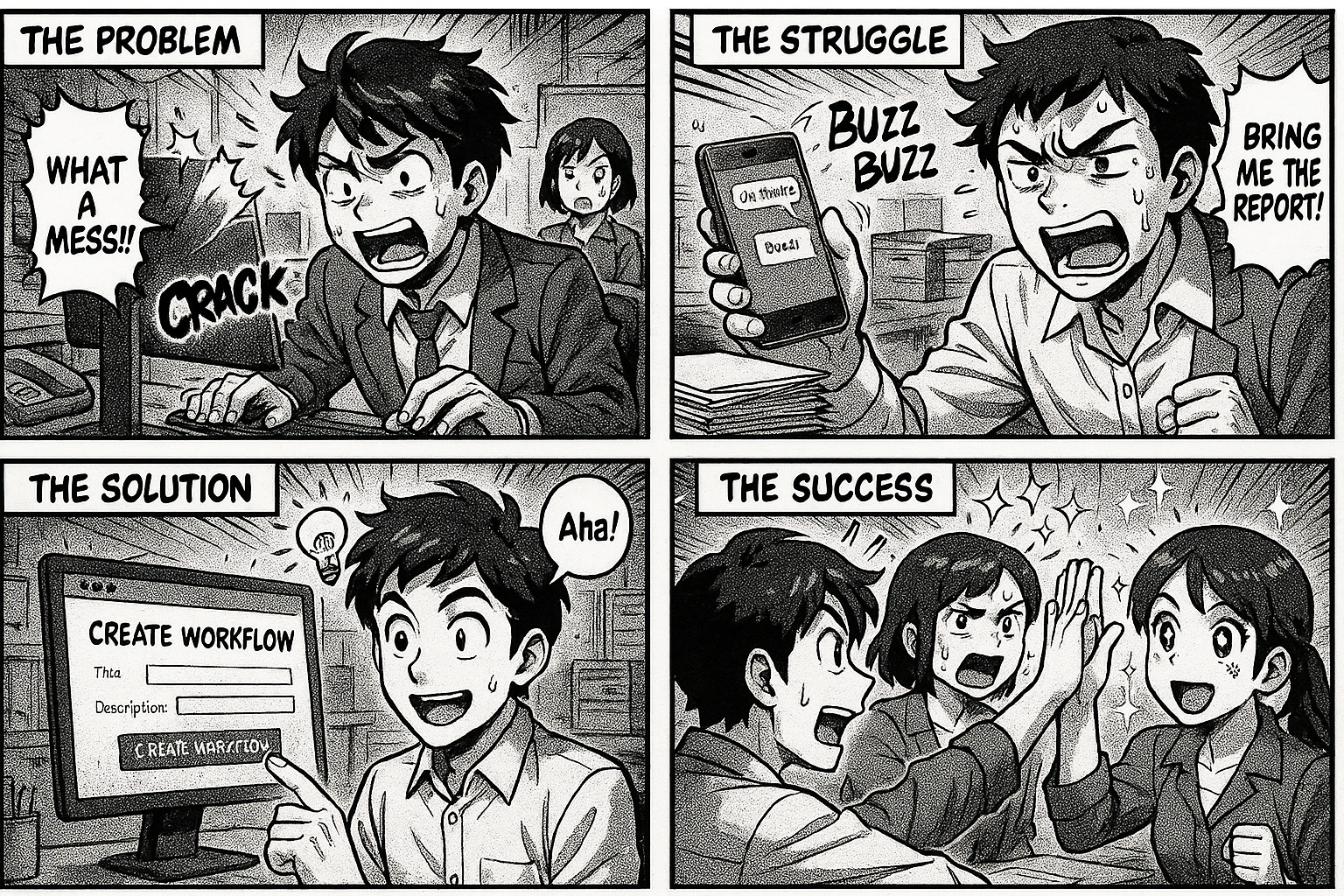
How to Go From Process Description to Live Workflow in 10 Minutes
Most companies take weeks to set up a new business process in software. Requirements gathering, vendor calls, customization, training, go-live. By the time it's done, the process has already changed.
What if you could just describe what you want — in plain English — and have a working workflow running in 10 minutes?
That's exactly what Flobri does.
The Old Way vs The Flobri Way
The old way:
1. Document the process in Word/Excel (2 days)
2. Evaluate 5 software tools (1 week)
3. Configure the chosen tool (2-4 weeks)
4. Train your team (1 week)
5. Go live and discover it doesn't match reality (ongoing pain)
The Flobri way:
1. Describe your process in one paragraph (2 minutes)
2. AI generates the complete workflow (30 seconds)
3. Review and adjust (5 minutes)
4. Deploy — it's live (1 click)
Let's walk through a real example.
Real Example: Purchase Order Process
Say you're a manufacturing company and you need to track purchase orders. You open Flobri's workflow builder and type:
"We need a purchase order process. An employee raises a PO with vendor selection, material line items, expected delivery date, and estimated cost. The manager approves or rejects it. Once approved, it's sent to the vendor. When material is received at the warehouse, the store keeper logs the delivery. Then QC checks the material quality before it's accepted."
That's it. You click "Build My Workflow" and within 30 seconds, Flobri generates:
What Gets Created Automatically
7 stages:
- PO Request (starting point)
- Manager Approval
- Sent to Vendor
- Material Received
- QC Check
- Completed
- Rejected
Smart form fields at each stage:
- Vendor selection (from your vendor master — auto-created if it doesn't exist)
- Material line items as an editable grid (add multiple materials per PO)
- Expected delivery date, estimated cost, currency
- Approver selection (routes the PO to the right manager)
- At each subsequent stage: relevant fields like received condition, invoice number, QC status
Transitions with business logic:
- Submit for Approval
- Approve / Reject / Send Back
- Material Received
- Send to QC
- Accept / Reject & Reorder
Master data tables:
- VENDOR (name, contact, phone, email, address)
- MATERIAL (name, unit, category)
- DEPARTMENT
- PO LINE ITEMS (material, quantity, unit price, total)
All of this — from a single paragraph.
What Happens After You Deploy
The moment you click "Deploy", every employee in your company can:
1. Create a new PO — fill in the form, select vendor and materials, submit
2. Get notified — the manager gets an alert that a PO needs approval
3. Approve or reject — with remarks and approved amount
4. Track delivery — see which POs are sent to vendors, which are overdue
5. Log receipt — store keeper records what was received and in what condition
6. QC check — quality team approves or rejects the material
Every action is tracked. Every stage transition is logged. You get a complete audit trail without writing a single line of code.
The Dashboard That Builds Itself
Here's what most tools don't do: they make you build reports manually.
In Flobri, the moment your team starts using the PO process, you automatically get:
- Active POs by stage — how many are pending approval, sent to vendor, in QC
- Delayed materials — POs where the expected delivery date has passed
- Vendor performance — average delivery time, rejection rate, spend per vendor
- Spend by department — which department is ordering the most
- Monthly trends — PO volume and spend over time
Click any number and you see the actual POs. Click a PO and you open it directly.
No report builder. No dashboard configuration. It just works because the data is already structured in the workflow.
But What About Our Existing Data?
Flobri doesn't ask you to migrate data on day one. Start with one process. Your team creates real entries. Within a week, you have enough data to see patterns.
Already have vendor and material lists in Excel? Import them into the master tables. Everything connects automatically.
What If We Need More Processes?
This is where it gets interesting. You can generate your entire ERP from a single description.
Tell Flobri: "We are a manufacturing company with procurement, production, QC, dispatch, and HR." It generates:
- 8-10 interconnected SOPs
- Shared master data (products, vendors, employees, departments)
- Cross-process relationships (PO links to GRN, GRN links to QC)
- All deployed in dependency order
One description. Complete ERP. Under 15 minutes.
Who Is This For?
Flobri works best for companies with 20-500 employees who need structured processes but don't want the complexity (or cost) of a full ERP system.
Typical use cases:
- Manufacturing: Purchase orders, batch production, QC testing, dispatch
- Pharma: Batch release, stability testing, CAPA, deviation management
- Operations: Maintenance tickets, vendor management, inventory
- HR: Leave management, hiring, onboarding, appraisals
- Quality: Audit management, compliance tracking, inspection workflows
Try It Right Now
Go to insights.flobri.com/build and describe any business process. Watch it come alive in 30 seconds.
No signup required to see the generated workflow. Sign up only when you're ready to deploy.
Flobri is a SOP and workflow automation platform that turns your process descriptions into live, trackable workflows with built-in dashboards. Used by manufacturing and pharma companies across India.