Maintenance Ticket Tracking — From Complaint to Resolution Without WhatsApp
2026-05-09
Track maintenance requests from complaint to resolution — with assignment routing, priority escalation, and aging alerts for overdue tickets.
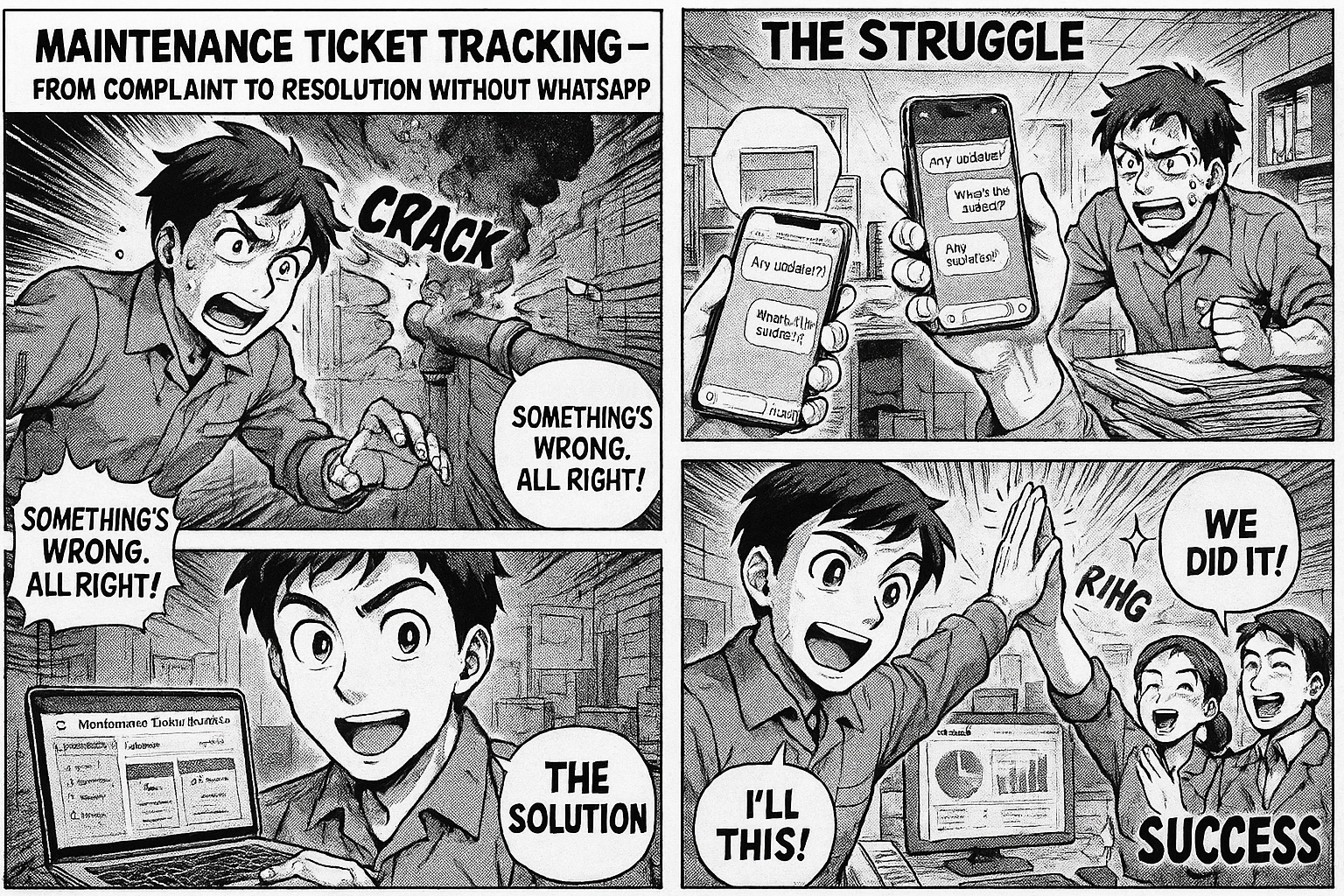
The machine breaks down. Someone calls the maintenance guy. He says he'll come. Two hours later, he hasn't. Someone sends a WhatsApp message. He comes, looks at it, says he needs a spare part. The spare part request goes to purchase — via another WhatsApp message. Three days later, the machine is still down.
Nobody knows how many machines are currently broken. Nobody knows how long each one has been waiting. Nobody knows if the spare part was even ordered.
The WhatsApp Problem
1. No Record
The complaint was verbal or on WhatsApp. When the plant head asks "how many open maintenance tickets do we have?" — silence. Someone starts scrolling through chat groups.
2. No Priority
A critical production machine and a broken water cooler get the same treatment — whoever shouts loudest gets fixed first.
3. No Accountability
The ticket was "assigned" to someone in a group chat. That someone is handling 12 other things. There's no dashboard showing their workload, no escalation when they're overdue.
4. No History
The same machine broke down 3 times this month. Nobody connects the dots because each incident was a separate WhatsApp message that got buried.
The Digital Maintenance Workflow
Stage 1: Raise Ticket
Anyone can raise a maintenance ticket:
- Machine/equipment name (from dropdown)
- Department
- Priority: Critical / High / Medium / Low
- Description of the problem
- Photo of the issue (optional)
Ticket auto-routes to the maintenance team.
Stage 2: Assessment
Maintenance team reviews:
- Is it a breakdown or preventive maintenance?
- Can it be fixed in-house or need external vendor?
- Estimated time to fix
- Spare parts needed?
Stage 3: Spare Part Request (if needed)
If parts are required:
- Part name and specification
- Vendor
- Expected delivery date
This links to the purchase workflow — no separate WhatsApp thread.
Stage 4: Execution
Maintenance executes the fix:
- Work done description
- Time taken
- Parts used
- Machine tested and confirmed working
Stage 5: Closure
Department head confirms the machine is running. Ticket closed.
What the Dashboard Shows
KPIs
| Open Tickets | Critical | Overdue (>3 days) | Avg Resolution Time |
|---|---|---|---|
| 23 | 4 | 8 | 2.3 days |
By Department
| Department | Open | Overdue |
|---|---|---|
| Production | 12 | 5 |
| QC Lab | 6 | 2 |
| Warehouse | 5 | 1 |
Repeat Offenders
| Machine | Tickets (Last 3 Months) |
|---|---|
| Printing Machine 3 | 8 |
| Blister Packing 1 | 6 |
| Compression Machine 2 | 5 |
If a machine has 8 tickets in 3 months, it needs a capital expenditure decision — not another repair.
Aging Alert
Tickets open more than 60 days appear on the plant head's dashboard in red. One click shows every overdue ticket with who's responsible.
The Result
- No more WhatsApp chains — every complaint is a tracked ticket
- Priority-based routing — critical tickets get attention first
- Spare part integration — purchase requests linked to tickets, not floating in chat
- Repeat analysis — identify machines that need replacement, not repair
- Plant head visibility — overdue tickets surface automatically
Set It Up
Go to insights.flobri.com/build and describe:
"Anyone raises maintenance ticket with machine, department, priority, and issue description. Maintenance team assesses and estimates. If spare parts needed, purchase request is raised. Maintenance executes and logs work done. Department confirms closure."
Flobri replaces WhatsApp-based maintenance tracking with structured workflows — priority routing, spare part integration, overdue alerts, and repeat-failure analysis.