Material Indent Process — From Request to Purchase Order
2026-05-06
Digitize the material indent process from department request to purchase order — with approval routing, priority tracking, and spend visibility.
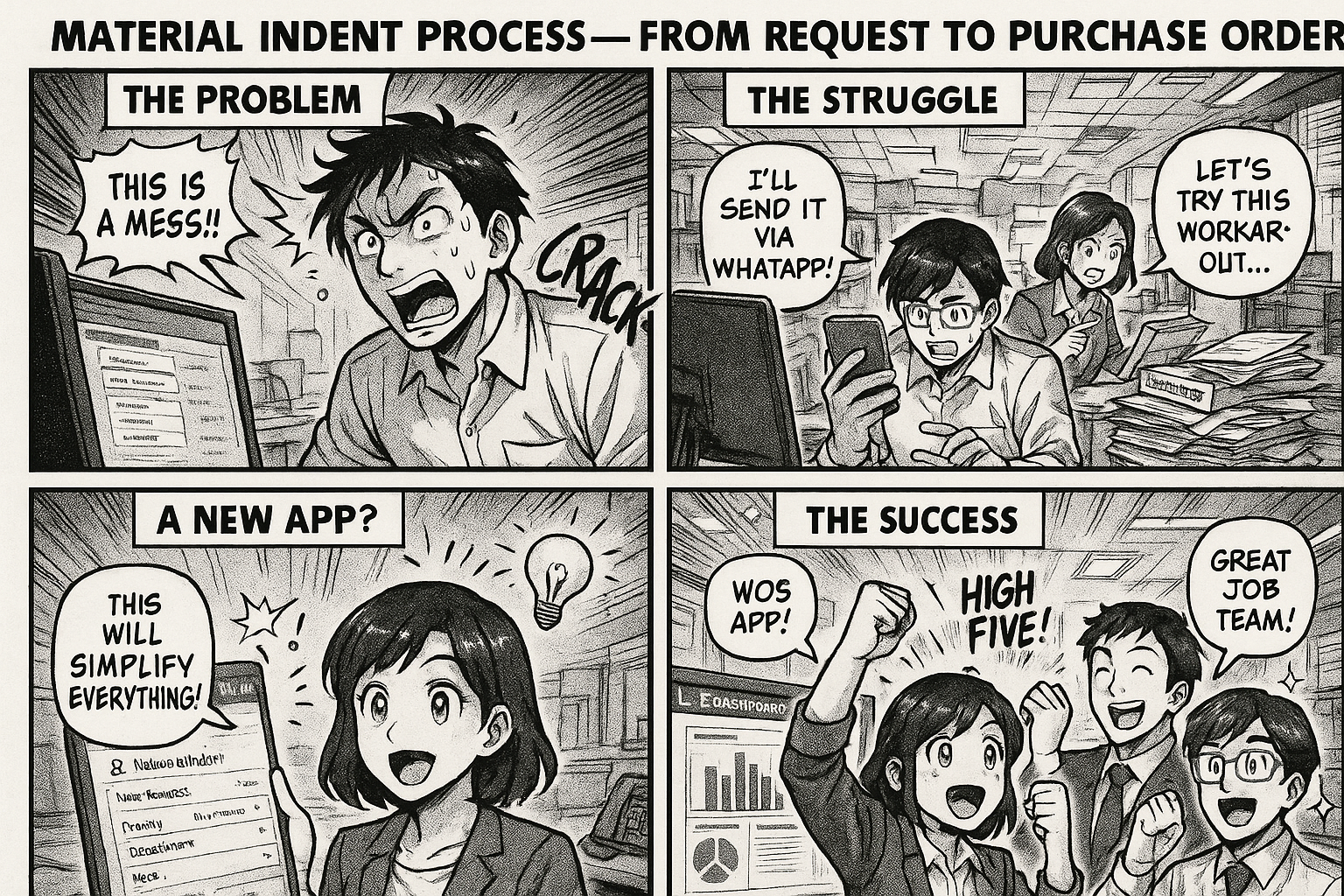
In manufacturing, the material indent is where procurement begins. A department needs material, raises an indent, and the purchase team converts it into a PO. Simple in theory. Chaotic in practice.
What Is a Material Indent?
A material indent (also called a purchase requisition or material request) is a formal request from a department to procure materials. It's the trigger that starts the procurement process.
Who raises it: Production supervisor, maintenance head, store keeper, lab manager — anyone who needs material.
What it contains:
- Material name and specification
- Required quantity and unit
- Required-by date
- Purpose / justification
- Department and cost center
- Priority (Routine / Urgent / Emergency)
The Indent Flow
Department raises indent
       ↓
Department Head approves
       ↓
Purchase reviews and sources
       ↓
Quotation comparison (if required)
       ↓
Purchase Order created
       ↓
Sent to vendor
       ↓
Material received
Common Problems
1. Indents Get Lost
Written on paper or sent via email. Nobody tracks them. The production supervisor raises an indent Monday, follows up Thursday, discovers nobody processed it.
2. No Prioritization
Every indent is "urgent." Without a system showing all pending indents sorted by actual priority and required-by date, everything is treated the same.
3. Duplicate Requests
Two departments indent the same material independently. Nobody knows until two POs go to the same vendor for the same thing.
4. No Spend Visibility
How much material is being indented by each department? Is production indenting 40% more raw material this month? Nobody knows until the finance review.
5. Approval Bottleneck
The department head is traveling. Indents pile up. Production runs out of material while 5 indents wait for one signature.
The Digital Indent Process
Stage 1: Indent Submission
Employee fills a form:
- Select material from master list (or type new)
- Quantity, unit, required-by date
- Purpose: production / maintenance / lab / general
- Priority: routine / urgent / emergency
- Auto-routed to department head
Stage 2: Department Head Approval
- Sees all pending indents on their dashboard
- Can approve, reject, or modify quantity
- Adds remarks if needed
- On approval → moves to purchase team
Stage 3: Purchase Processing
Purchase team:
- Reviews approved indents
- Checks existing stock (if integrated)
- Groups similar indents into one PO
- Selects vendor based on past performance
- Creates PO with line items from indent
Stage 4: PO Approval (if amount > threshold)
- Senior manager reviews high-value POs
- Approves or sends back
Stage 5: Vendor Dispatch
- PO sent to vendor
- Delivery tracking begins
What the Dashboard Shows
For the Department Head:
- How many indents are pending my approval?
- What's the total indent value this month vs budget?
For the Purchase Team:
- How many approved indents are waiting to be converted to POs?
- Which indents are past their required-by date?
For Management:
- Indent volume by department (who's spending the most?)
- Average time from indent to PO (how fast is procurement responding?)
- Top materials by indent frequency
Setting It Up
"Department employee raises material indent with material, quantity, required date, and priority. Department head approves. Purchase team reviews, selects vendor, and creates PO. Senior manager approves POs above 50,000. PO sent to vendor, material received, QC checks quality."
Type that into Flobri. Get the complete workflow with forms, approvals, routing, and dashboards.
Go to insights.flobri.com/build and set it up in 5 minutes.
Flobri digitizes the material indent process — from department request to purchase order — with approval routing, priority tracking, spend visibility, and vendor management.