Overdue Purchase Orders: Stop Delivery Delays Early
2026-05-08
Spot which purchase orders have crossed their delivery date, which stage they're stuck in, and who must act — before production runs out of material.
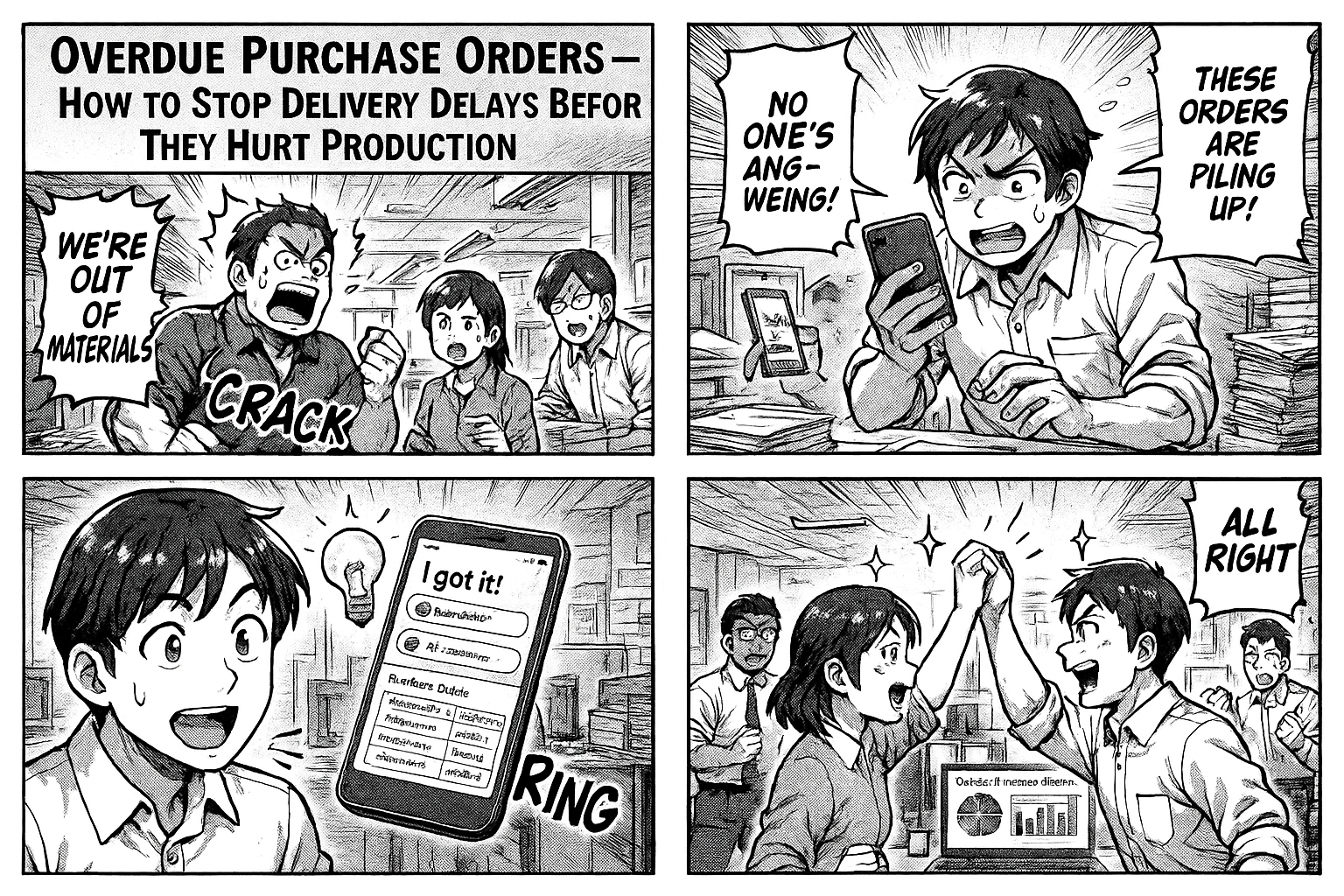
You have 140 open purchase orders. 5 are more than 2 weeks past their delivery date. 19 are a week overdue. And nobody noticed until someone on the production floor said "we're out of material."
This is preventable.
The Real Cost of Overdue POs
Production Stops
When material doesn't arrive on time, machines sit idle. Operators get paid for doing nothing. Delivery commitments to your customers slip.
Cascading Delays
One late PO delays one product. That product was supposed to ship in a dispatch lot with 5 other products. Now the entire lot is held up.
No Accountability
The PO was raised 6 weeks ago. It passed through 5 stages. It's currently stuck in "In Process" and nobody knows why. The person responsible doesn't even know it's overdue.
What You Should See Every Morning
Overdue Summary
| Category | Count |
|---|---|
| Total Overdue | 140 |
| > 2 Weeks | 5 |
| 1-2 Weeks | 19 |
| < 1 Week | 116 |
Click any number — see the actual POs.
By Stage
| Stage | Overdue | Avg Days Late |
|---|---|---|
| In Process | 126 | 4.3 days |
| Dispatch Entry | 7 | 11.1 days |
| Upload COA | 2 | 21.0 days |
This tells you exactly where POs are getting stuck. If 126 out of 140 overdue POs are in "In Process," that's your bottleneck.
Every Overdue PO
| PO Number | Client | Product | Delivery Date | Days Overdue | Stage |
|---|---|---|---|---|---|
| 25263810 | Zee Labs | Hydrilla Lotion | 09 Apr | 27 days | Dispatch |
| 252613987 | Mankind | Mera Roop 20GM | 15 Apr | 21 days | Upload COA |
| 252603663 | Mankind | Mintop Gain 10% | 20 Apr | 16 days | Dispatch |
Click any PO — opens the full entry with all details, current stage, who's assigned, what's pending.
How to Set This Up
Step 1: Capture Delivery Date
When a PO is created, record:
- PO number
- PO date
- Delivery date (expected date of completion)
- Product
- Client
- Quantity
Step 2: Track Stages
Define your PO workflow stages:
1. Record PO
2. Paper/Plate Ordering
3. In Process (printing, lamination, etc.)
4. FG Entry
5. QC / COA Upload
6. Dispatch
7. Job Ended
Each stage is assigned to a specific person.
Step 3: Dashboard Does the Rest
The system compares today's date with the delivery date. Any PO where today > delivery date and the job isn't done = overdue.
No manual checking. No weekly reviews. The dashboard updates in real-time.
What Changes
Before
- Overdue POs discovered when production complains
- No visibility into which stage is the bottleneck
- Monthly review meetings to discuss delays
After
- Morning dashboard shows all overdue POs
- Click to see exactly where each PO is stuck
- Bottleneck stage identified instantly (not debated in meetings)
- PDF download for management review
Try It
Go to insights.flobri.com/build and describe your purchase order process:
"Record purchase order with PO number, product, client, quantity, and delivery date. Track through paper ordering, processing, QC, and dispatch. Show overdue POs on dashboard."
Flobri tracks every purchase order from creation to dispatch — highlighting overdue orders, bottleneck stages, and who needs to act, before delays hit production.