Preventive Maintenance Schedule — Template vs Automated Tracking
2026-05-03
Excel PM schedules dont tell you whats overdue. Automated tracking creates tasks, sends alerts, and builds maintenance history.
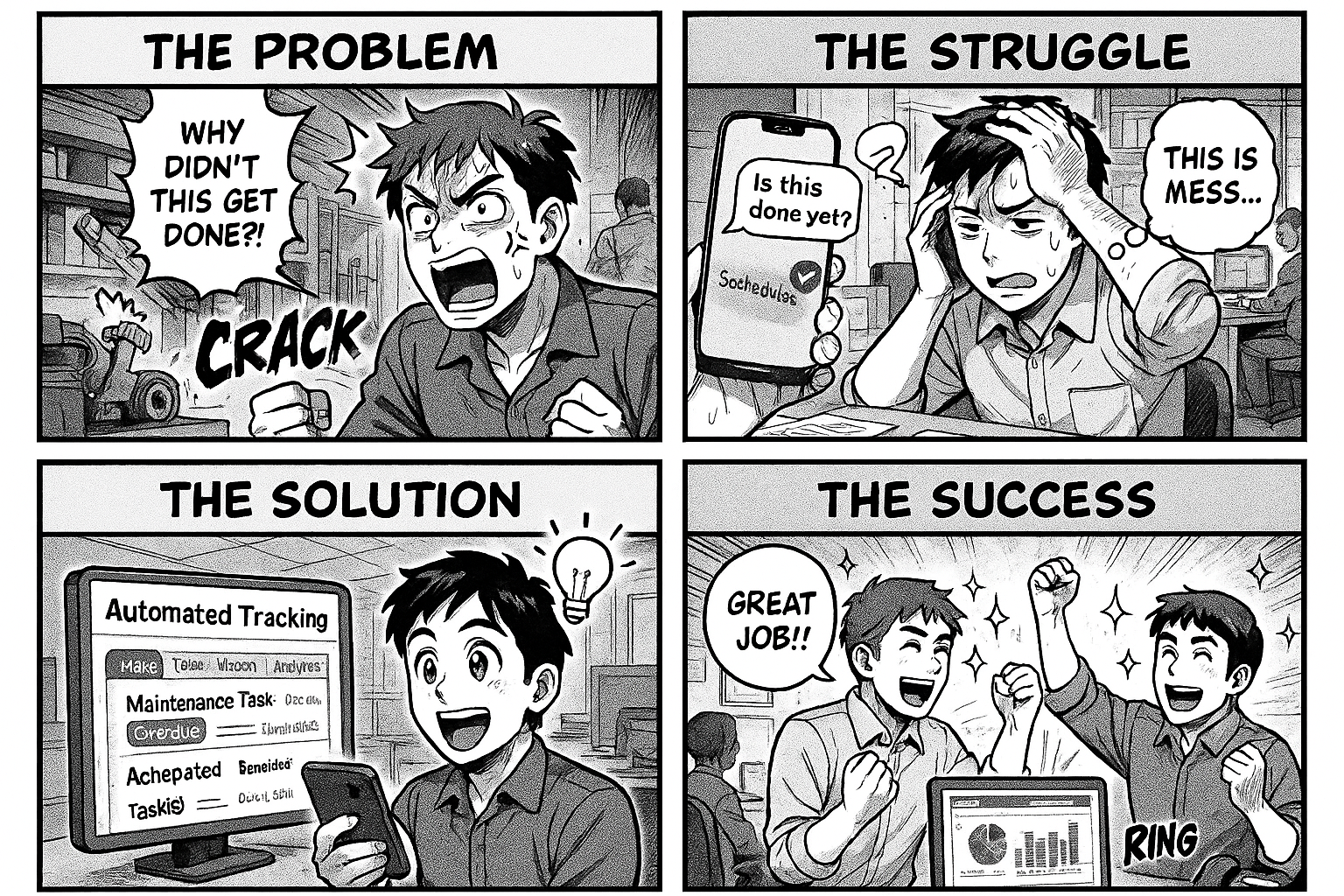
Preventive Maintenance Schedule — Template vs Automated Tracking
Every plant manager knows preventive maintenance matters. Fewer breakdowns, longer equipment life, safer operations. But managing the PM schedule is another story.
Most factories use one of these:
- A wall chart with dates and checkmarks
- An Excel sheet that's always out of date
- A register book that nobody looks at until an audit
None of these tell you: what's overdue right now?
What a PM Schedule Should Track
For each piece of equipment:
- Equipment name and location
- Maintenance type (daily, weekly, monthly, quarterly, annual)
- Last maintenance date
- Next due date
- Assigned technician
- Status (completed, pending, overdue)
- Checklist items completed
- Observations and remarks
Why Templates Don't Work
An Excel template captures the schedule. But:
- Nobody updates it — the maintenance guy finished the job but didn't open the laptop
- No alerts — quarterly PM for Machine 7 was due last week, nobody noticed
- No history — what did we find during last month's PM? Was the bearing replaced?
- No accountability — who was supposed to do the PM? Did they actually do it?
- No analysis — which machine needs the most maintenance? Is breakdown frequency increasing?
The Automated Alternative
A maintenance workflow handles what templates can't:
Automatic scheduling
PM tasks are created automatically based on frequency. Monthly PM for Machine 7? The system creates a task on the 1st of every month, assigned to the designated technician.
Mobile-friendly logging
The technician opens the task on their phone, fills the checklist, adds observations, takes a photo if needed. Done in 2 minutes, right at the machine.
Overdue alerts
If a PM task isn't completed within the window, it shows up on the dashboard in red. The plant manager sees "3 PMs overdue" without asking anyone.
History and trends
Click any equipment → see all past PMs, what was found, what was replaced, how often it breaks down. Spot patterns before they become failures.
Compliance ready
Every PM has a timestamp, a technician name, and a record of what was done. Audit-ready from day one.
Setting It Up
Describe your PM process:
"Maintenance creates a monthly PM schedule for all equipment. Technician completes the checklist and records observations. Supervisor reviews and signs off. If issues found, a repair ticket is created."
Flobri generates the workflow with stages, checklists, assignment routing, and supervisor review. Add equipment as master data. Start scheduling.
Go to insights.flobri.com/build and try it.
Flobri automates preventive maintenance scheduling, tracking, and compliance — replacing wall charts and Excel sheets with real-time dashboards and mobile-friendly checklists.