Production Output Tracking — Know What Each Machine Produced Today
2026-05-08
Track what each machine produced, who operated it, and how long it ran — with automatic daily production reports.
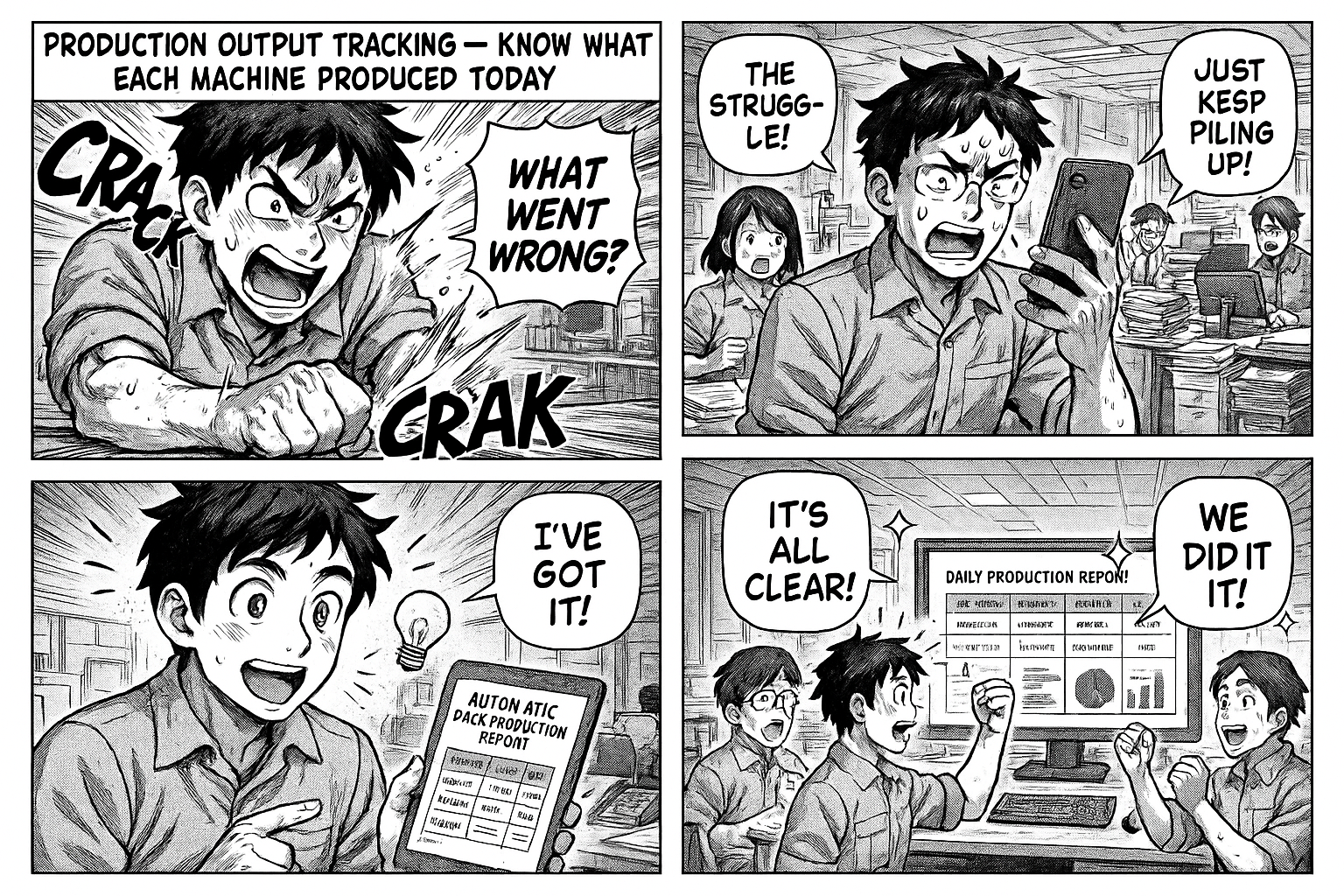
End of the day. The production manager asks: "What did Machine 3 produce today?" Someone checks a register. Flips pages. Calculates. Gives a number that may or may not be accurate.
Meanwhile, 30 other machines also ran today. Nobody has the full picture until someone compiles an Excel sheet — usually the next morning.
What You Need to Know
Per Machine
- What product was running
- Who was operating it
- When did the job start and end
- What was the output (pieces, kg, meters — whatever your unit)
- Was there a changeover? How long?
Per Day
- Total output across all machines
- Which machines were idle
- Which operators produced the most
- Which products were manufactured
Per Month
- Output trends — is production increasing or declining?
- Machine utilization rates
- Operator performance comparison
How It Works
Step 1: Allocate Manpower
Supervisor assigns an operator to a machine with a specific job:
- Machine: Printing Machine 2
- Operator: Rajesh
- Product: MF Xotic 10s Inner
- Job Number: 3301871
Step 2: Record Output
When the job is done or the shift ends:
- Enter output quantity
- Enter finish time
- System calculates duration automatically
Step 3: Dashboard Updates
No compilation needed. The dashboard shows:
- Today's total output
- Output per machine
- Output per operator
- Running jobs right now
What the Dashboard Looks Like
KPI Cards
| Today's Output | Machines Active | Avg Output/Machine | Jobs Completed |
|---|---|---|---|
| 45,200 pcs | 28 / 33 | 1,614 pcs | 52 |
Machine-wise Breakdown
| Machine | Product | Operator | Start | End | Output |
|---|---|---|---|---|---|
| Printing 1 | MY FAIR 20GM | Suresh | 8:00 | 14:30 | 3,200 |
| Printing 2 | MF XOTIC 10S | Rajesh | 8:15 | 16:00 | 4,800 |
| Lamination 1 | POTRATE MB6 | Amit | 9:00 | - | Running |
Operator Performance
| Operator | Jobs | Total Output | Avg per Job |
|---|---|---|---|
| Rajesh | 3 | 12,400 | 4,133 |
| Suresh | 2 | 6,800 | 3,400 |
| Amit | 4 | 15,200 | 3,800 |
Changeover Tracking
When a machine switches from one product to another, the changeover time is recorded separately. This lets you see:
- Average changeover time per machine
- Which products have the longest changeovers
- Total productive time vs changeover time
A machine that runs 8 hours but spends 2 hours on changeovers has 75% utilization — and now you can see that number.
No More End-of-Day Excel
The production report builds itself throughout the day. By 6 PM, the manager opens the dashboard and sees everything — no waiting for someone to compile data.
Try It
Go to insights.flobri.com/build and describe your process:
"Supervisor assigns operator to machine with product and job number. Operator records output when done. End of day, production report shows output per machine, per operator, and changeover time."
Flobri tracks production output per machine, per operator, per shift — with automatic dashboards that replace end-of-day Excel compilation.