The Real Cost of a Delayed Purchase Order
2026-05-03
A delayed purchase order costs 5-10x its value in downstream impact. Learn where POs get stuck and how to fix it with automatic tracking.
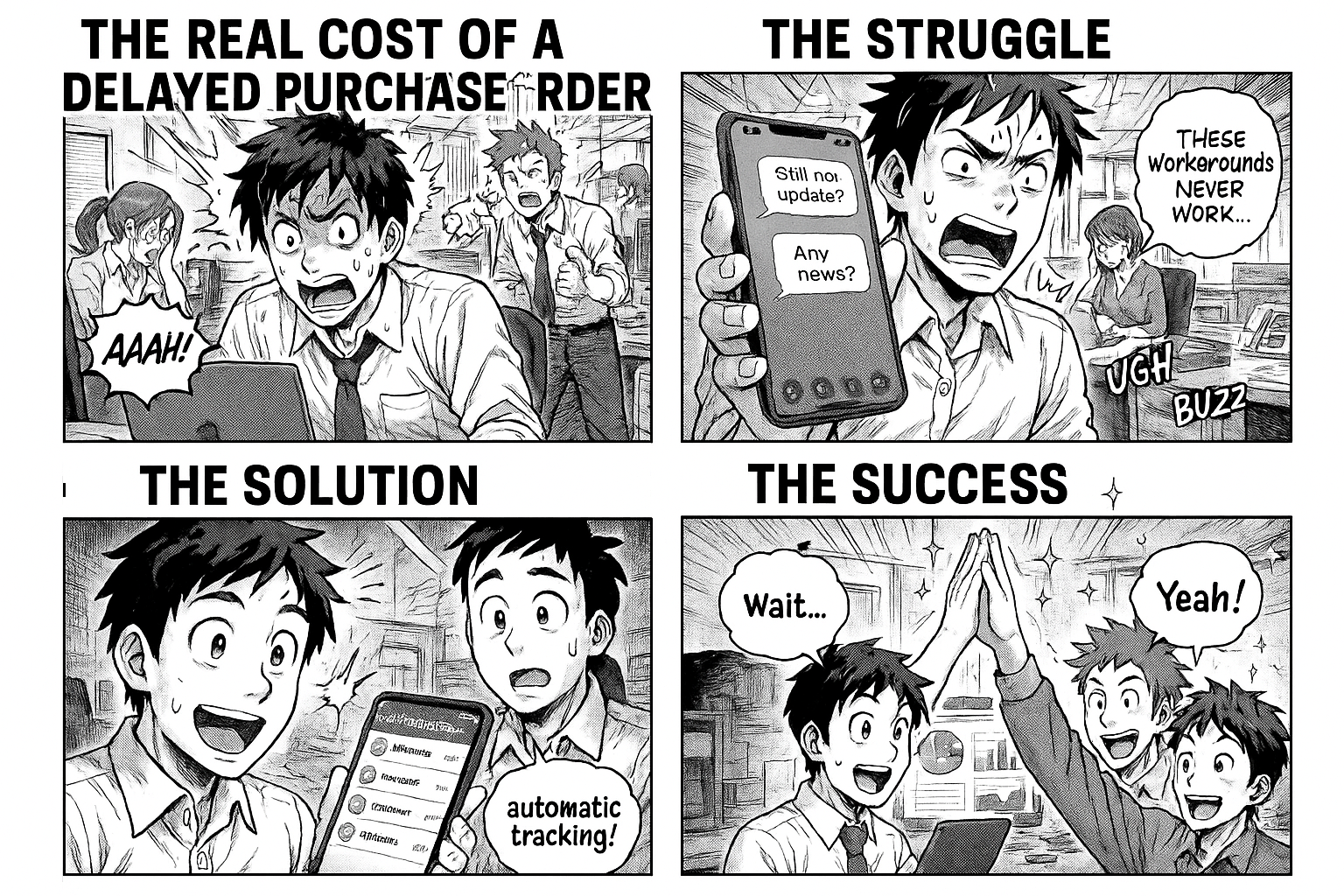
The Real Cost of a Delayed Purchase Order
A purchase order stuck in someone's inbox for 3 extra days doesn't seem like a big deal. Until you calculate what it actually costs.
The Ripple Effect
When a PO gets delayed, here's what happens downstream:
- Production stops — raw materials don't arrive on time, the line sits idle
- Workers wait — you're paying wages for people who can't work
- Customers get upset — delivery commitments slip
- Emergency purchases — you end up buying from expensive local suppliers at premium rates
- Vendor relationships suffer — late POs mean late payments, vendors deprioritize you
A single delayed PO can cost 5-10x its value in downstream impact.
Where Do POs Get Stuck?
We analyzed purchase order data across manufacturing companies using Flobri. Here's where the bottlenecks are:
1. Manager Approval (40% of delays)
The PO sits in the manager's queue. They're busy, traveling, or don't have enough context to decide quickly.
Fix: Set up automatic escalation. If a PO isn't approved within 24 hours, it escalates to the next level. The manager gets a reminder, not a guilt trip.
2. Vendor Communication (25% of delays)
PO is approved but nobody sent it to the vendor. Or the vendor didn't acknowledge. Or the delivery date wasn't confirmed.
Fix: Track "Sent to Vendor" as a separate stage. Flag POs that have been approved but not sent for more than a day.
3. Material Receipt (20% of delays)
Material arrived but the store keeper didn't log it. Or it arrived at a different location. Or the invoice doesn't match.
Fix: Make receipt logging mandatory before the PO can close. Flag materials that are past their expected delivery date.
4. Quality Check (15% of delays)
Material is received but QC hasn't tested it. Or QC rejected it and nobody reordered.
Fix: Auto-route to QC after receipt. If QC rejects, automatically create a reorder back to the vendor stage.
What a Purchase Dashboard Should Show
Your purchase team shouldn't have to dig through spreadsheets to find problems. A good dashboard shows:
- How many POs are active and at which stage
- Which POs are delayed beyond lead time — vendor name, days delayed, amount at risk
- Vendor performance — who delivers on time, who doesn't
- Spend by department — where the money is going
- Monthly trends — is volume going up? Are delays increasing?
Every number should be clickable. Click "3 delayed" and see exactly which 3 POs, which vendors, and how many days overdue.
The Flobri Approach
In Flobri, you describe your purchase process once:
"Employee raises PO with vendor, materials, and delivery date. Manager approves. PO sent to vendor. Store keeper logs receipt. QC checks quality."
Flobri creates the entire workflow — stages, forms, approvals, routing. But more importantly, it creates the dashboard automatically.
The moment your team starts processing POs, you see:
- Active POs by stage (pipeline view)
- Delayed materials with days overdue
- Vendor-wise delivery performance
- Department-wise spend with charts
- Every metric is clickable — drill down to individual POs
No report builder. No BI tool. No waiting for IT to create a dashboard. It's built into the workflow.
Real Numbers from a Real Company
One of our manufacturing clients tracked their PO process for 3 months:
- Before Flobri: Average PO cycle time was 12 days. 35% of POs were delayed beyond lead time. Nobody knew until production complained.
- After Flobri: Average cycle time dropped to 4.2 days. Delayed POs dropped to 8%. Managers started approving within hours because they could see the queue.
The biggest change? Visibility. When everyone can see the pipeline, nobody wants to be the bottleneck.
How to Get Started
You don't need to overhaul your entire procurement process. Start with one change:
1. Make your PO process visible. Put it in a system where everyone can see the status.
2. Track delivery dates. Flag anything past the expected date automatically.
3. Measure vendor performance. You can't improve what you don't measure.
Go to insights.flobri.com/build and describe your purchase process. See the workflow and dashboard generated in under 2 minutes.
Flobri turns process descriptions into live workflows with automatic dashboards. Used by manufacturing companies to track purchase orders, production, quality, and dispatch.