Why Your Approval Process Takes 5 Days When It Should Take 5 Hours
2026-05-06
Your approval process is slow because of inbox burial, missing context, manual handoffs, and zero visibility. Here's how to fix it.
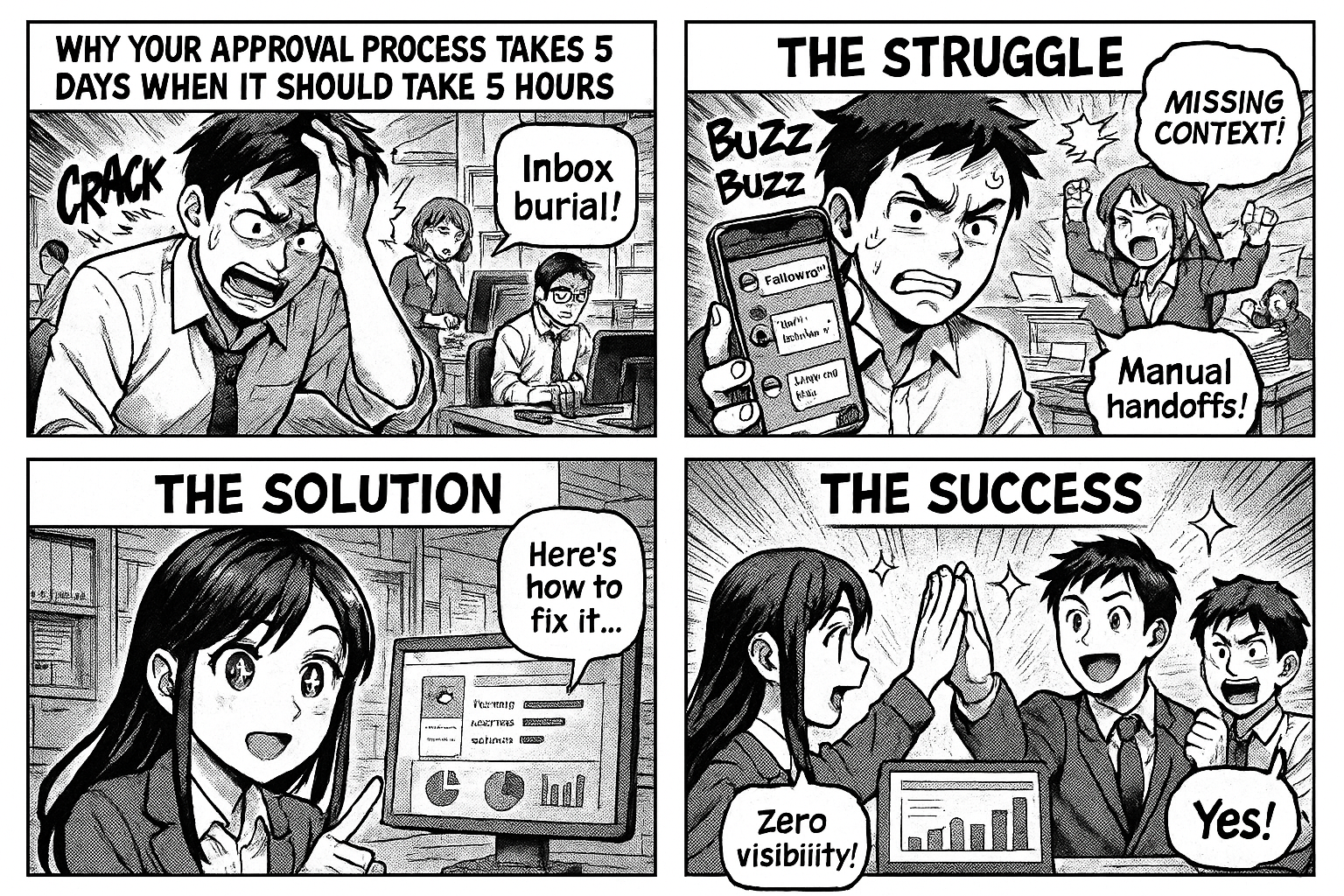
A purchase request is submitted Monday morning. The manager sees it Wednesday. Approves it Thursday. Purchase team sends it to the vendor Friday. The vendor confirms Monday.
Total time wasted waiting: 4 days. Total time spent working: 20 minutes.
This happens in every company. Every process. Every approval.
Where the Time Goes
The Inbox Problem
The request arrives in the manager's email. It's between a meeting invite and a vendor follow-up. It gets read, mentally noted as "will do later," and buried by 15 new emails.
Time wasted: 1-3 days
The Context Problem
When the manager finally opens it, they don't have enough context. "Who requested this? What's the budget? Did we buy this before? What's the urgency?" They need to ask questions, which adds another round-trip.
Time wasted: 0.5-1 day
The Handoff Problem
Approved. Now what? The purchase team doesn't know it's been approved until someone tells them. Or until they check the shared folder. Or until someone sends a WhatsApp message.
Time wasted: 0.5-1 day
The Visibility Problem
Nobody knows the request is stuck. The requester waits silently. The manager forgot. The purchase team doesn't know it exists. There's no dashboard showing "3 requests pending >48 hours."
Time wasted: ongoing
The 5-Hour Approval
Same request. Different system:
8:00 AM — Employee submits request with all details: what, how much, from which vendor, how urgent.
8:01 AM — Manager gets a push notification: "New purchase request: 50 kg Sodium Hydroxide, ₹45,000, from Sharma Chemicals."
8:15 AM — Manager opens the request on their phone. All context is on one screen: item, cost, vendor, requester, budget status. Taps "Approve."
8:16 AM — Purchase team gets notified: "PO approved — send to vendor."
9:00 AM — PO sent to vendor. Vendor acknowledges.
Total time: 1 hour. No emails. No phone calls. No "did you see my request?"
What Changed?
1. Push Notification Instead of Email
The manager sees the request immediately. Not buried in an inbox. A dedicated notification that says "action needed."
2. Complete Context on One Screen
Everything the manager needs to decide is right there. No digging, no asking, no opening attachments.
3. Automatic Routing
Approval triggers the next step automatically. The purchase team sees it in their queue instantly. No manual handoff.
4. Visible Pipeline
A dashboard shows: 2 requests pending, 1 approved today, 3 sent to vendor. Anyone can see the status without asking.
5. Escalation
If a request isn't approved within 24 hours, it escalates. The manager gets a reminder. Their manager gets a notification. Nobody forgets.
How to Implement This Today
You don't need to change your entire organization. Pick one approval process — the one with the most complaints — and structure it.
Common starting points:
- Purchase requests — highest impact on operations
- Leave applications — highest volume, most follow-up messages
- Expense claims — most frustration when delayed
- Visitor passes — simplest to start with
Go to insights.flobri.com/build and describe the process in one sentence:
"Employee submits purchase request with item, quantity, vendor, and cost. Manager approves or rejects. Purchase team sends PO to vendor."
Deploy it. Share the link with your team. Watch the approval time drop from days to hours.
Flobri turns slow email-based approvals into instant, mobile-friendly workflows with automatic routing, push notifications, and pipeline visibility.