Your HR Team Is Drowning in Follow-Ups — How Workflow Automation Fixes HRMS Without Replacing It
2026-05-16
HRMS tools store employee data but can't automate the messy, multi-step HR processes that eat your team's day — onboarding, exits, appraisals, grievances. Here's the missing layer.
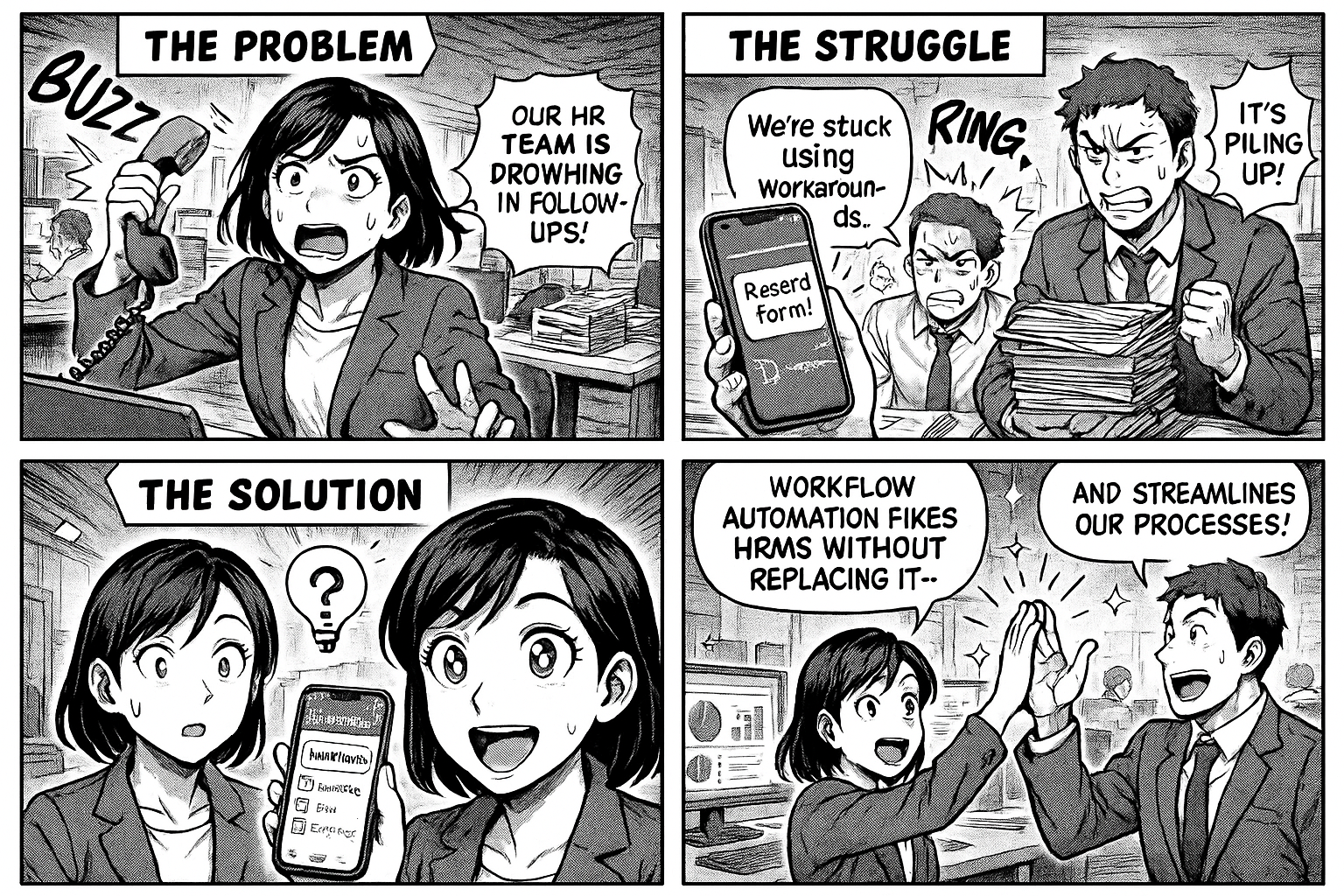
Your HR Team Is Drowning in Follow-Ups — How Workflow Automation Fixes HRMS Without Replacing It
Your company has an HRMS. It stores employee records, tracks attendance, manages payroll. It does what it's supposed to do.
But ask your HR team what they actually spend their day on, and the answer isn't "managing employee records." It's:
- Chasing managers for appraisal submissions
- Following up on pending document submissions from new hires
- Tracking who has returned their laptop, ID card, and access badge during exits
- Sending the same onboarding checklist email for the 400th time
- Manually routing approval requests between 3-4 people via email
- Maintaining Excel trackers for grievances that the HRMS doesn't handle
Your HRMS manages data. Nobody manages the process.
The Gap Between HRMS and HR Reality
Every HRMS — whether it's SAP SuccessFactors, Zoho People, greytHR, or Keka — does the same core things well: employee master data, attendance, payroll, leave balances.
But none of them handle the messy, multi-step, multi-person HR workflows that consume 70% of HR's time:
Employee Onboarding (12-15 steps, 5-8 people involved)
Offer accepted → Background verification → Document collection → IT asset request → Email/access setup → Buddy assignment → Department orientation → Probation milestone tracking → Confirmation decision
Your HRMS has a "Date of Joining" field. It doesn't track whether IT has set up the laptop, whether the reporting manager has scheduled the orientation, or whether the new hire's PAN card copy has been submitted.
Employee Exit (10-12 steps, 6-8 departments)
Resignation received → Manager discussion → Notice period decided → Knowledge transfer plan → Asset return (laptop, phone, ID, parking) → Finance clearance → IT access revocation → Full & final settlement → Experience letter
Your HRMS has a "Last Working Day" field. It doesn't track whether the employee returned their laptop to IT or whether finance has cleared their reimbursements.
Performance Appraisal Cycle
Self-assessment submitted → Manager review → Skip-level review → HR calibration → Rating finalized → Feedback shared → Increment letter generated
Your HRMS might store the final rating. It can't chase 200 managers who haven't submitted their reviews by the deadline.
Employee Grievance Handling
Complaint received → Acknowledged within 24 hours → Investigation assigned → Findings documented → Resolution proposed → Employee informed → Follow-up after 30 days
Most companies track grievances in an Excel sheet that nobody updates.
Leave & Attendance Exceptions
Employee applies for leave → Manager approves → HR validates against balance → Payroll adjusted. Sounds simple. But what about: leave cancellation, half-day requests, comp-off claims, WFH approvals, overtime regularization? Each is a micro-workflow that the HRMS treats as a manual override.
Why HR Teams Build Shadow Systems
Because the HRMS doesn't handle workflows, HR teams build their own:
- Google Sheets for onboarding checklists (one row per new hire, 20 columns for task status)
- Email chains for approval routing ("Please approve the below and forward to Finance")
- WhatsApp messages for urgent follow-ups ("Has Rahul returned his laptop yet?")
- Shared folders for document collection ("Please upload your PAN card to this Google Drive folder")
- Calendar reminders for probation reviews (HR sets 50 reminders per quarter)
These shadow systems work until someone goes on leave, a new HR person joins, or the volume doubles. Then everything breaks.
The Fix: Workflow Layer on Top of HRMS
You don't need to replace your HRMS. You need a workflow layer that handles the processes your HRMS can't:
How It Works
Onboarding workflow:
1. HR creates entry for new hire → system auto-creates tasks for IT, Admin, Finance, Reporting Manager
2. Each department sees their pending tasks on their phone
3. IT marks "Laptop assigned" → Admin marks "ID card issued" → Manager marks "Orientation done"
4. HR sees one dashboard: who's done, who's pending, who's overdue
5. Auto-reminders if tasks aren't completed within SLA
Exit workflow:
1. HR initiates exit process → parallel tasks created for IT (access revocation), Admin (asset return), Finance (F&F settlement)
2. Each department completes their clearance on their phone
3. All clearances done → F&F auto-triggers → experience letter generated
4. Nothing falls through cracks. No chasing.
Appraisal workflow:
1. HR triggers cycle → self-assessments assigned to all employees
2. Deadline reminders sent automatically
3. Manager reviews auto-assigned after self-assessment submission
4. Skip-level reviews triggered after manager submission
5. HR calibration meeting → final ratings locked
6. Dashboard shows: 180 completed, 20 pending manager review, 5 overdue
The Impact
| Metric | Before (HRMS only) | After (HRMS + Workflows) |
|---|---|---|
| Onboarding completion time | 2-3 weeks | 3-5 days |
| Exit clearance time | 2-4 weeks | 3-7 days |
| Appraisal cycle completion | 45-60 days | 15-20 days |
| HR time on follow-ups | 60% of day | 10% of day |
| Grievance response time | 3-5 days | Same day |
| Pending items visibility | Excel/memory | Real-time dashboard |
Where to Start
1. Pick your most painful HR process — usually onboarding or exits
2. Map it as stages — who does what, in what order, with what deadline
3. Build it as a workflow — each stage has its own form and owner
4. Put it on everyone's phone — not just HR, but IT, Admin, Finance, Managers
5. Let the system chase — auto-reminders replace manual follow-ups
Your HRMS is the system of record. Your workflows are the system of action.
Flobri adds the workflow layer your HRMS is missing — onboarding, exits, appraisals, grievances, all as stage-based flows with automatic routing and reminders. Start free →