Calibration Management Software: 2026 Buyer's Guide (9 Features)
2026-06-03
Choosing calibration management software in 2026? The 9 features that actually matter — instrument register, due-date recall, standard traceability, ISO 17025 certificates, audit trail — plus build-vs-buy.
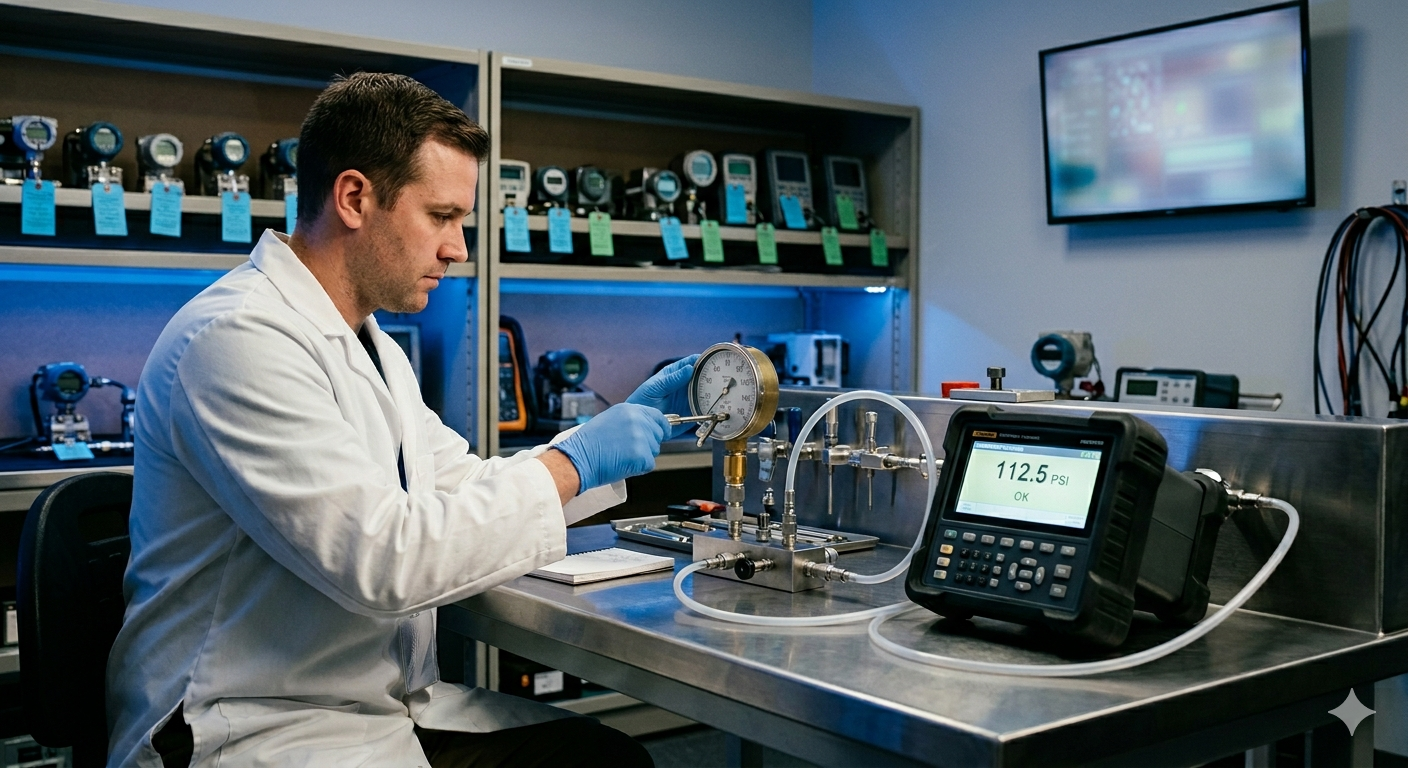
Every regulated plant runs on instruments it has to trust — pressure gauges, balances, thermometers, pipettes, calipers. The moment one drifts out of calibration without anyone noticing, every batch it touched is in question. So the real job isn't doing the calibration; it's never losing track of which instrument is due, proving the result is traceable, and issuing a certificate that survives an audit.
Most labs do that on a spreadsheet and a Word template. This is a practical buyer's guide to what calibration management software actually has to do — whether you run an in-house calibration cell or an accredited ISO-17025 lab.
What calibration management software must do
Strip away the marketing and there are seven jobs. If a tool doesn't cover these, it's a certificate printer, not a management system.
1. A live instrument register. Every instrument as a record — ID/asset tag, make, model/serial, range, resolution, accuracy, location, owning department, and its calibration interval. This is the backbone; everything else hangs off it.
2. Due-date tracking and recall. The single most valuable feature: the system knows every instrument's next-due date and raises a recall before it lapses — not a calendar reminder someone has to remember to set. A missed due date is an out-of-calibration instrument in live use, and that's a finding waiting to happen.
3. Reference-standard traceability. Your masters (the standards you calibrate against) must themselves be traceable to national standards (NPL/NABL), with a ULR number and a valid-upto date. Good software tracks that validity and blocks a calibration that uses an expired standard — and enforces the 4:1 accuracy ratio between standard and instrument.
4. A controlled workflow with approvals. ISO 17025 expects a documented sequence: plan → reference-standard selection → environment check → measurements → uncertainty → conformity (pass/fail) → technical review and authorized-signatory sign-off. That means stages, e-signatures, and a tamper-proof audit trail — not a single editable form.
5. Certificate generation as a controlled document. The certificate is the output, and it has to be reproducible exactly, every time, with a unique certificate number and ideally a QR/barcode for verification. Auto-numbering (so two certificates can never share a number), the right traceability block, the results table, and dual sign-off — all generated from the data, not retyped.
6. Records retention and audit readiness. Every certificate, result, and approval timestamped and retained per policy. When an inspector asks who calibrated this, against what standard, and when, the answer is one click — and it can't have been back-dated.
7. Visibility. A dashboard: what's due this week, calibrations done this year, standards about to expire, instruments overdue. Calibration runs on dates, and dates are easy to lose on paper.
Why spreadsheets and desktop tools fall short
A spreadsheet plus a Word certificate template is where most labs start, and it breaks predictably:
- No real recall. Due dates sit in cells; nothing actively chases them. Overdue instruments are found during audits, not before.
- No workflow or audit trail. A flat form has no technician → reviewer → signatory sequence, no e-signature, and can be edited after the fact — the opposite of what ISO 17025 and 21 CFR Part 11 require.
- Duplicate and unreliable numbering. Manual certificate numbers collide; nothing guarantees uniqueness.
- Single machine, single user. A desktop app on one PC isn't a lab system — no shared register, no multi-user, no central record.
- Standards expire silently. Nothing stops a calibration done against a reference standard whose own certificate lapsed last month — which can invalidate every certificate issued with it.
How Flobri handles calibration management
Flobri models calibration the way the work actually flows: masters for instruments, clients, reference standards, and procedures; a calibration workflow that moves each job from registration through measurement, uncertainty, conformity, and authorized sign-off — with a full audit trail; recall automation that surfaces instruments and expiring standards before they lapse; and a certificate generated as a controlled document with an auto-assigned unique number and a scannable QR. Because it's configured around your process — not a fixed product — the same platform fits an in-house cal cell and an accredited lab, and ties into your deviation, OOS, and batch-release workflows.
Frequently Asked Questions
What is calibration recall?
The process of flagging and acting on instruments approaching their next-due date so they're re-calibrated before they go out of calibration. Automating it is the difference between a managed program and a pile of overdue stickers.
What does ISO 17025 traceability mean?
That every measurement links back through an unbroken chain of calibrations — your instrument to your reference standard to a national standard — each with valid calibration and documented uncertainty. The software's job is to hold that chain together and prove it.
Do I need software if I only have a few instruments?
The risk isn't volume, it's missing a due date or failing to prove traceability — both of which happen at any size. Even a small instrument register benefits from automated recall and controlled certificates.
In-house cell or accredited lab — same software?
Yes. The workflow, masters, recall, and certificate needs are the same; an accredited lab adds its accreditation details and ULR formats. A configurable platform covers both.
Flobri lets manufacturers and calibration labs run instrument calibration — register, schedules, reference standards, certificates, and recall — as connected, audit-ready workflows, no coding, built around how your team already works. See how Flobri handles pharma quality workflows.